Best Remote Video Editing Tools for Content Creators in 2026
Create video on your terms. The best remote editing tools cover editing, color, captions, review, and delivery—so you can run a studio from an apartment.
Best Remote Video Editing Tools for Content Creators in 2026
My first freelance video client emailed back four words: "Is this the final cut?" I had edited the whole piece on a laptop in a shared apartment, delivered it from a cloud link, and never once sat in the same room as the client. That's the reality of remote video work—and the reason video editing tools have quietly become some of the most important remote work tools in any creative stack.
Content creators, video editors, and production teams increasingly work apart. The good news: the modern editing toolkit is built for that. Here's what to use for remote video editing in 2026, from quick cuts to full studio pipelines.
The Editor's Core: Software That Runs Where You Are
DaVinci Resolve: The Pro Standard, Free
DaVinci Resolve is the professional editing and color suite that also happens to have a free tier nearly as capable as the paid one. It runs on a powerful laptop and does not require an office or studio. For remote editors delivering broadcast-ready work, it's the most popular choice on this list.
Adobe Premiere Pro: The Flexible Favorite
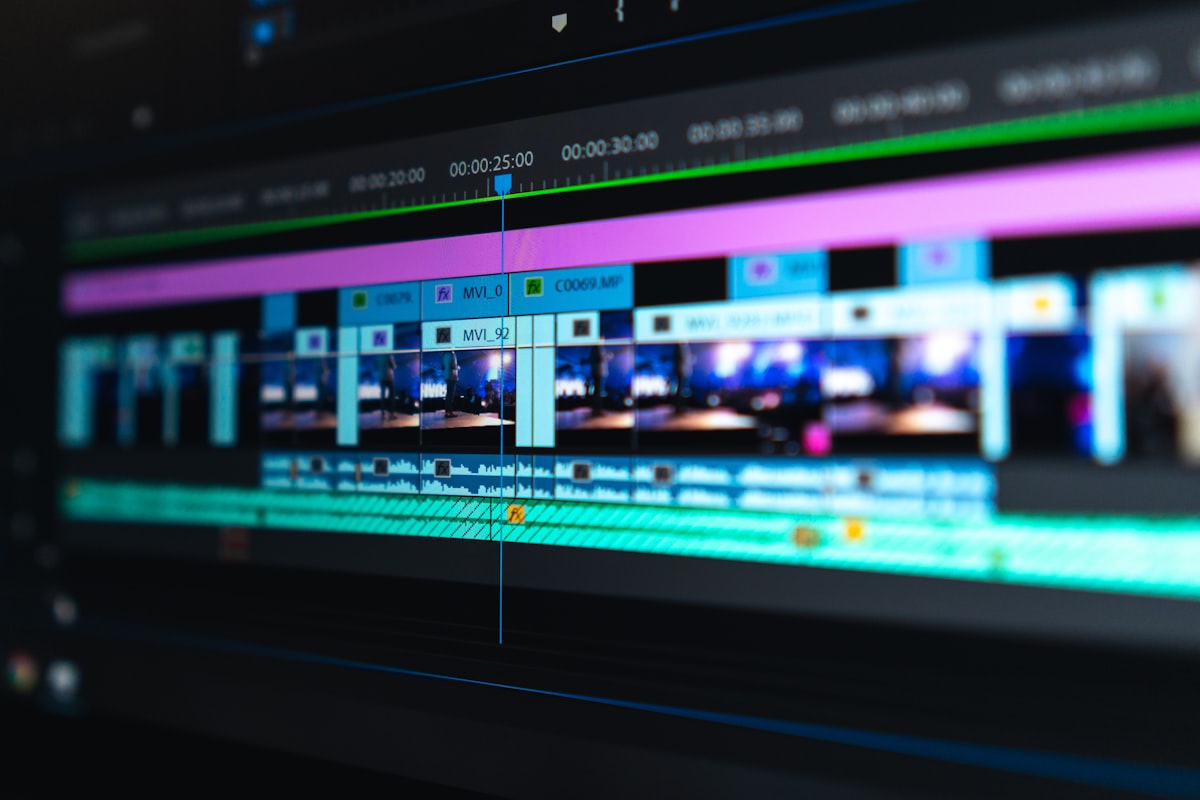
Premiere Pro remains the industry's flexible default: team projects, cloud collaboration, and integration with After Effects make it ideal for freelancers who must send timelines to clients in different countries. Pair it with Adobe's cloud storage and review links for a remote-first pipeline.
CapCut and Canva: Fast Social Cuts
For social clips, short-form, and quick-turn jobs, CapCut and Canva Video are the remote creator's best friends. They run in the browser or on any laptop, export directly for every platform, and remove the "I need to install a huge program" barrier that slows remote work to a crawl.
Review and Approval: The Remote Work Superpower
Frame.io for Timecoded Feedback
The classic remote video headache is feedback: clients write "fix the bit at the end" and you hunt for it. Frame.io solves this with frame-accurate, timecoded comments on your uploaded video. Clients drop a pin on the exact frame, and the whole team sees it immediately.
Loom for Async Walkthroughs
When you need to explain a cut, record a Loom. Walking someone through the timeline while they watch the screen builds more trust than a wall of text notes—and it works across any time zone.
Shared Review Links
Make it a habit: every delivery gets a structured review link (Frame.io or Wipster) with a clear deadline and a one-line summary of what changed. Remote clients approve faster when you make the review step dead simple.
Storage and Delivery
Cloud Storage Built for Media
Video files are huge. Use storage designed for media: Dropbox, Google Drive, or dedicated platforms like Backblaze B2 for archive. Create a shared folder structure (Drafts / Reviews / Approved / Final) and keep every client organized.
Transfer for Big Files
For large masters and raw footage, transfer tools like MASV, WeTransfer, and Smash beat email every time. Pick one and standardize your delivery links so clients never wonder where the file went.
Captions, Transcriptions, and Automation
Automatic Captions
Remote creators save hours with automated captions. Tools like Descript and Rev add accurate captions and transcripts quickly; CapCut's auto-captions handle social platforms directly.
Descript for Editing Text
Descript is the editing tool that works like a word processor: you edit the transcript and the video edits itself. For podcasts, tutorials, and long-form voice pieces, it's a remote editor's secret weapon—no timelines required.
Sound and Polish
A quiet, clean track beats fancy effects. Use Adobe Podcast Enhancer or Descript's Studio Sound to fix audio recorded in imperfect home rooms, and always listen on headphones before you deliver.
Collaboration Beyond the Timeline
Shared Project Files for Teams
If you work in a small remote editing team, share project files (or use DaVinci Resolve's and Premiere's collaboration modes) so the team builds the same timeline from different machines. Agree on a naming convention and a review cadence and the pipeline stays clean.
The Home Studio Essentials
Finally, a quiet room, a decent microphone, and a calibrated monitor matter more than any software. The best tool in a remote video setup is the discipline to check your export on a real screen before you send it.
Final Takeaway
Remote video editing is not a compromise—for many creators, it's an upgrade. With the right software, timecoded review, media storage, and captions in place, a one-person studio in an apartment can produce and deliver work that looks studio-made. Start with one free tool (DaVinci Resolve) and one review tool (Frame.io), and build your remote pipeline from there.
About this guide
We publish practical, experience-led tutorials and tool guides for remote teams.
- Published: February 24, 2026
- Author: Taylor Reed
- Category: Content Creation
- Estimated reading time: 9 min read
Our editorial standards and monetization disclosures:
Spotted an issue or have a suggestion? Email [email protected].
How we put this guide together
- We review official documentation and product pages for key claims.
- We focus on practical workflows (setup steps, everyday usage, trade-offs).
- We aim to keep guides current as tools change.
References
Official documentation and reputable resources related to this guide.
- DaVinci Resolvehttps://www.blackmagicdesign.com/products/davinciresolve
- Frame.iohttps://frame.io/
- Adobe Premiere Prohttps://www.adobe.com/products/premiere.html
- Zoom Meetingshttps://zoom.us/meetings
- Google Meethttps://meet.google.com/
- Microsoft Teamshttps://www.microsoft.com/en-us/microsoft-teams/group-chat-software
Related Remote Work Tools Guides
Best Remote Work Tools for Content Creation: Produce Quality Content
Remote Work Tools for Beginners: A Complete Getting Started Guide
Best Remote Work Tools for Small Teams: Top Picks for 2025
View our complete Sitemap for all remote work tools guides.