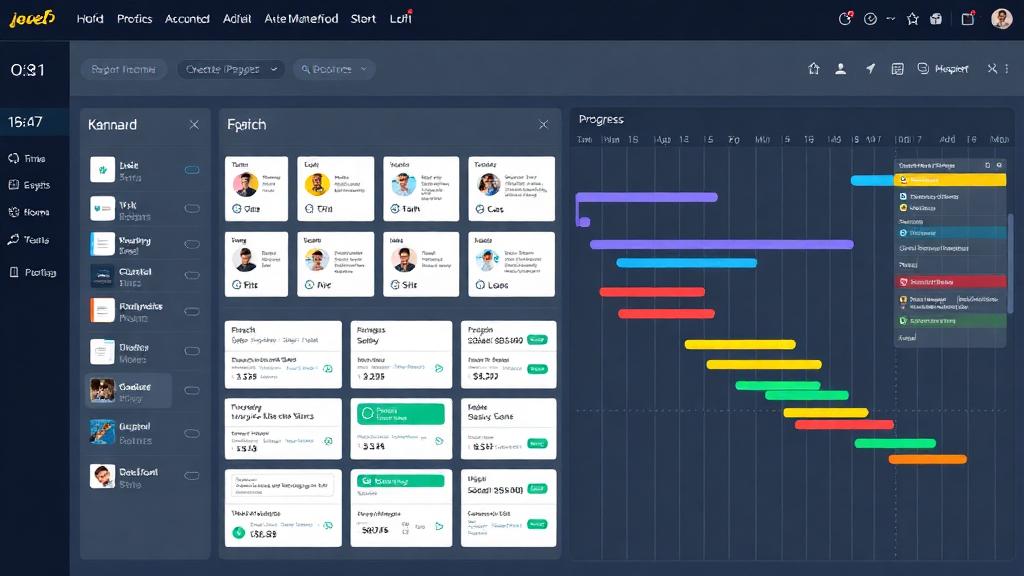


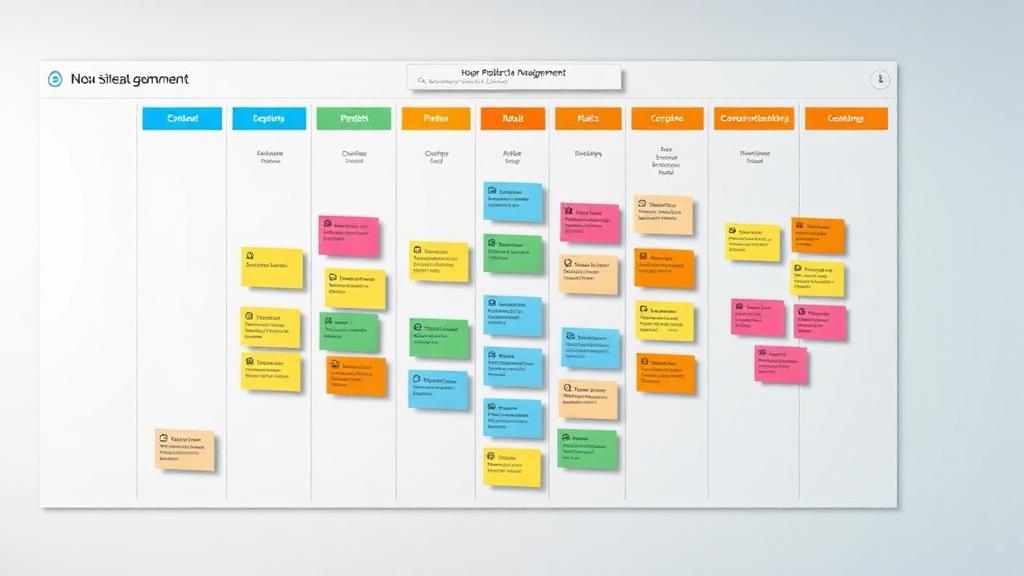






Remote work team collaborating with modern productivity tools

    Remote Work Tools: The Best Tools to Boost Remote Team Productivity

    Welcome to Remote Work Tools Guide—your trusted resource for discovering the best remote work tools that empower distributed teams to achieve more. Whether you're a remote worker, freelancer, small team, or enterprise, we curate comprehensive reviews, hands-on tutorials, and productivity tips to help you build the perfect remote work toolkit.

    25+ In-depth Guides
    Expert Reviews
    Trusted by Remote Teams
    35+
    In-Depth Guides
    19
    Tool Categories
    150K+
    Monthly Readers
    2026
    Updated for

    Remote Work Utilities

    Quick checks you can run right now—powered by stable public APIs.

    Public IP Check
    api.ipify.org

    Helpful for VPN troubleshooting, remote access allowlists, and connectivity checks.

    Your public IP
    Loading…

    GitHub System Status
    Loading…

    If your team relies on GitHub (issues, PRs, CI), this quickly shows platform status.

    Note: These utilities call third-party endpoints. See our Privacy Policy for details.

    Browse Remote Work Tools by Category

    Find the best remote work tools organized by category. From communication to project management, discover tools that fit your workflow.

    Featured Remote Work Tools Guides

    Our most popular guides on the best remote work tools. Start with these expert-curated resources to boost your remote productivity.

    Editor's Picks · 2026

    Top 6 Remote Work Tools We Recommend Right Now

    After hands-on testing with hundreds of distributed teams, these are the tools that consistently deliver the best balance of features, reliability, and value.

    #1

    Slack

    Team Communication

    Industry-leading messaging platform with powerful integrations and channels for organized team conversations.

    4.8/5.0
    Free - $12.50/user/mo
    #2

    Notion

    Docs & Wiki

    All-in-one workspace combining notes, docs, databases, and project management in a single flexible platform.

    4.7/5.0
    Free - $10/user/mo
    #3

    Zoom

    Video Conferencing

    Reliable HD video meetings with breakout rooms, recording, and webinars for teams of any size.

    4.6/5.0
    Free - $19.99/user/mo
    #4

    Asana

    Project Management

    Visual project tracking with timelines, boards, and automation that keeps remote teams aligned and on schedule.

    4.7/5.0
    Free - $24.99/user/mo
    #5

    Google Workspace

    Productivity Suite

    The complete cloud office suite—Gmail, Docs, Drive, Meet, and Calendar—built for real-time collaboration.

    4.8/5.0
    From $7/user/mo
    #6

    Trello

    Task Management

    Intuitive Kanban boards with automations and power-ups that help small teams ship work faster.

    4.5/5.0
    Free - $17.50/user/mo
    Tailored Recommendations

    Best Remote Work Tools by Team & Role

    Different teams have different needs. Find the right tools for your specific role, team size, and industry.

    Freelancers

    Solo professionals juggling clients, projects, and invoices need lean, focused tools.

    Toggl TrackNotionCalendlyFreshBooks

    Small Teams (2-15)

    Growing teams need simple collaboration without enterprise complexity.

    SlackTrelloGoogle WorkspaceLoom

    Enterprise

    Large organizations require security, compliance, and deep integrations.

    Microsoft TeamsAsanaOktaWorkday

    Developers

    Engineering teams need code-first collaboration and project tracking.

    GitHubLinearSlackSentry

    Designers

    Creative teams need visual feedback, asset sharing, and whiteboarding tools.

    FigmaMiroNotionDropbox

    Sales Teams

    Customer-facing teams need CRM, dialers, and meeting coordination.

    HubSpotZoomCalendlySlack

    Educators

    Teachers and trainers need virtual classrooms and course delivery.

    ZoomGoogle ClassroomNotionCanva

    Healthcare

    Healthcare providers need HIPAA-compliant communication and scheduling.

    Doxy.meZoom for HealthcareCalendlySlack

    Why Trust Our Remote Work Tools Guides

    We're remote work practitioners who test and review every tool we recommend.

    Hands-On Testing

    Every remote work tool we recommend has been personally tested by our team of remote work professionals.

    Real Team Insights

    Our guides include insights from real remote teams—from startups to enterprises—who use these tools daily.

    Constantly Updated

    The best remote work tools evolve constantly. We update our guides regularly to reflect the latest features and pricing.

    Proven Best Practices

    Remote Work Best Practices That Actually Work

    Beyond the tools, these habits and rituals separate the most productive remote teams from the rest.

    Establish Async-First Communication

    Default to written, recorded, or documented communication. Reserve meetings for brainstorming, conflict resolution, and relationship building. This respects time zones and gives everyone space to do deep work.

    Document Everything in a Shared Wiki

    From onboarding playbooks to decision logs, centralize institutional knowledge in Notion or Confluence. New hires ramp up faster, and teams don't lose context when someone goes on vacation.

    Use Time Blocking for Deep Work

    Calendar-block 2-4 hour focus sessions daily. Tools like Google Calendar, Clockwise, and Reclaim.ai automatically defend this time from incoming meetings and protect your most productive hours.

    Invest in Video, But Set Boundaries

    Video builds trust and human connection—but 'Zoom fatigue' is real. Set 'camera optional' days, keep meetings to 25 or 50 minutes, and never book back-to-back calls without a buffer.

    Automate Repetitive Workflows

    Use Zapier, Make, or native integrations to eliminate manual hand-offs. If you do the same task across two apps every week, there's a workflow for it. Most teams recover 5-10 hours per week through automation.

    Schedule Regular Virtual Social Time

    Remote work can be isolating. Schedule 15-minute coffee chats, weekly team games on Kahoot or Jackbox, or monthly virtual offsites. Strong personal bonds translate directly into stronger collaboration.

    What Readers Say

    Trusted by Remote Teams Worldwide

    Don't take our word for it. Here's what real readers and remote teams have to say.

    "Remote Work Tools Guide helped us cut our SaaS stack from 14 tools down to 6. Our team is happier, onboarding is faster, and we're saving $1,200 a month."

    SC
    Sarah Chen
    Head of Operations, Northwind Studios

    "As a freelancer juggling 12 clients, the time-tracking and invoicing guides alone paid for themselves in week one. I've recommended this site to everyone in my network."

    MR
    Marcus Rivera
    Independent Brand Strategist

    "Finally, a remote work resource that doesn't push affiliate links to garbage products. Every recommendation here is genuinely battle-tested by real remote teams."

    PA
    Priya Anand
    VP Engineering, Hyperlink Labs
    Frequently Asked

    Common Questions About Remote Work Tools

    Everything you need to know before choosing and rolling out remote work tools for your team. Can't find your answer?

    Contact Our Editors

    Ready to Build Your Perfect Remote Work Stack?

    Stop guessing which tools to use. Browse our complete library of hands-on reviews, comparison guides, and implementation tutorials—everything you need to set up a remote work environment your team will love.