Best VPN & Security Tools for Remote Work in 2026
Working from coffee shops, airports, and home offices means your data travels further. These VPN and security tools keep remote workers and teams safe without slowing you down.
Best VPN & Security Tools for Remote Work in 2026
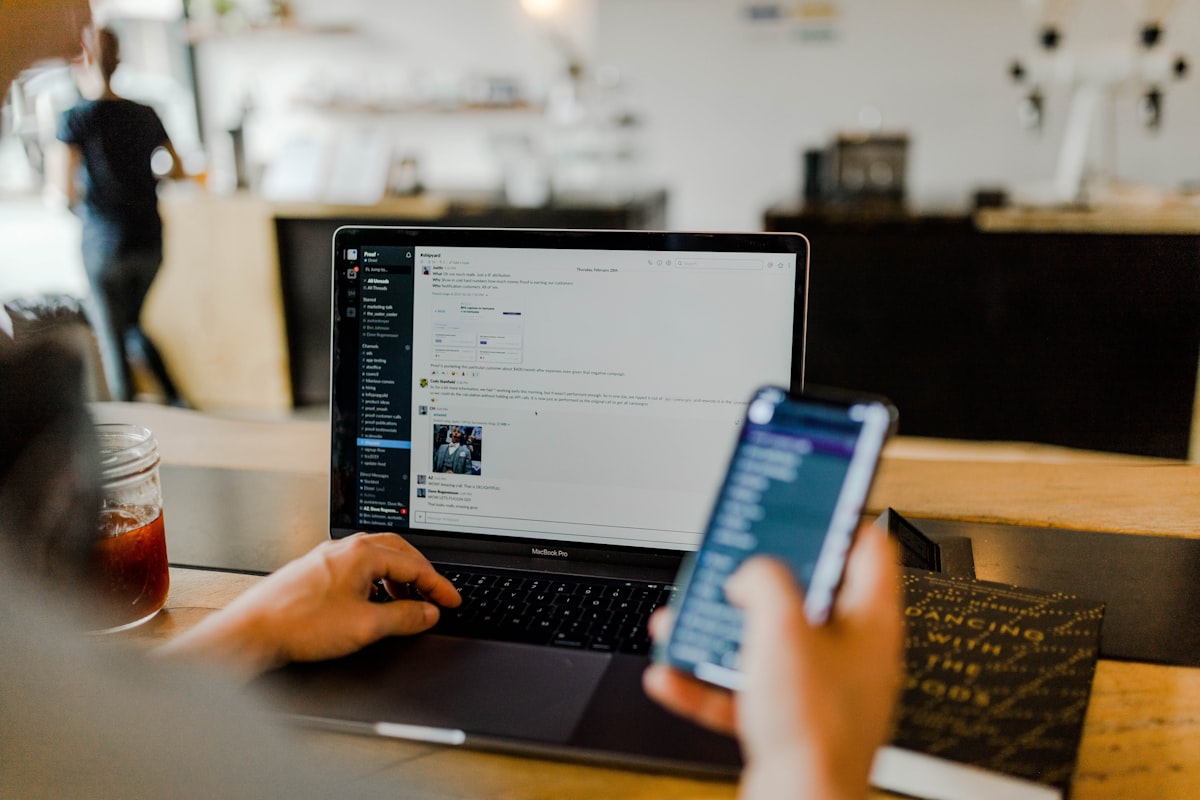
The story I tell every new hire starts with a warning: I once worked from a coffee shop on an open Wi-Fi network and watched a colleague's account get hit by a phishing attempt within minutes. It wasn't the end of the world—but it was the moment I realized remote security isn't a single tool; it's a small stack of habits.
Remote work security used to be a "VPN and hope" situation. In 2026, a secure remote worker uses a small set of reliable tools: a VPN for untrusted networks, a password manager, multi-factor authentication, endpoint and identity management, and a clear policy for data transfers. Let's build that stack.
The Foundation: A VPN You'll Actually Use
ProtonVPN and WireGuard-Based VPNs
For days spent in cafés, hotel lobbies, and airport lounges, a good consumer VPN is the baseline. ProtonVPN and other privacy-focused providers encrypt your traffic on Wi-Fi you don't control, so that email, files, and logins don't travel in plain view.
The key is a protocol called WireGuard: lightweight, fast, and increasingly the default. WireGuard-based VPNs are simpler to set up, use less battery, and connect reliably. Turn the VPN on automatically when you join a new, untrusted network, and disable it when you're home on your own router—no friction, no excuses.
Business Access: Zero Trust Instead of One Tunnel
Many remote-first teams skip the traditional VPN entirely and move to Zero Trust network access (ZTNA) instead. Cloudflare Zero Trust and Twingate take a different approach: your team connects to services through your identity and policy, not through a single office tunnel.
ZTNA handles access centrally: every device that connects to company services must be authenticated and fingerprinted, and you can restrict access by role, device, and time. For distributed teams without a central office, that's a better model than a VPN locked to one location.
Passwords and Identity: The Real Door to Your Data
1Password, Bitwarden, and Dashlane
Password managers are the non-negotiable second layer. They generate unique, strong passwords for every account, autofill them across browsers and mobile, and let you share select credentials with the team. 1Password and Bitwarden are the most popular picks, but the important thing is that everyone on the team uses one.
Multi-Factor Authentication (MFA)
A password alone is one factor. MFA adds a second: a code from an authenticator app (Google Authenticator, Authy) or a hardware key (YubiKey). When you work remote on a laptop you carry everywhere, MFA is the single most effective lock you can add. Require it on email, the password manager, and any system containing customer data.
Endpoint and Device Security
MDM (Mobile Device Management)
For companies, endpoint security is handled by a Mobile Device Management tool such as Jamf, Kandji, or Intune. MDM enforces disk encryption, OS updates, and remote wipe policies across every company laptop, wherever it is.
For a small business or solo remote worker, the personal version is: turn on full-disk encryption (FileVault or BitLocker), and make sure every device you use for work receives security updates promptly. Your laptop is your office; treat it as such.
Backups: The Final Safety Net
Security isn't just about attackers—it's also about files disappearing after a bad sync or a stolen machine. Use a backup tool like Backblaze or Arq (or cloud sync with versioning), set it to run weekly, keep one copy offsite, and test a restore at least once a quarter.
Day-to-Day Habits Beat Any Single Tool
The strongest remote security posture comes from habits:
- Lock the screen whenever you step away.
- Always log in with MFA.
- Let software updates run automatically.
- Think before clicking: a "totally official" attachment is the most common trap.
The tools in this article automate as much of that as possible, but a human is behind the desk. The goal is not paranoia—it's the calm that comes from knowing your remote work is secure at home, on the road, and anywhere your laptop travels.
Final Takeaway
Remote security is a stack, not a single product: a VPN for untrusted networks, a password manager plus MFA for identity, endpoint and backup management for your devices and data, and daily habits that protect the work. Set it up once, take it seriously (but not anxiously), and you'll rarely have to think about it again.
About this guide
We publish practical, experience-led tutorials and tool guides for remote teams.
- Published: February 10, 2026
- Author: Jordan Kim
- Category: Team Tools
- Estimated reading time: 9 min read
Our editorial standards and monetization disclosures:
Spotted an issue or have a suggestion? Email [email protected].
How we put this guide together
- We review official documentation and product pages for key claims.
- We focus on practical workflows (setup steps, everyday usage, trade-offs).
- We aim to keep guides current as tools change.
References
Official documentation and reputable resources related to this guide.
- CISA — Protecting Against VPN Riskshttps://www.cisa.gov/news-events/cybersecurity-advisories
- NIST — Zero Trust Architecturehttps://www.nist.gov/publications/zero-trust-architecture
- ProtonVPN Supporthttps://protonvpn.com/support/
- Google Workspacehttps://workspace.google.com/
- Slackhttps://slack.com/
- Zoom Meetingshttps://zoom.us/meetings
Related Remote Work Tools Guides
View our complete Sitemap for all remote work tools guides.