Remote Work Tools for Creative Professionals: Design and Create Together
Creative work requires seamless collaboration. Explore tools that help designers, writers, and artists create together remotely without sacrificing quality or creativity.
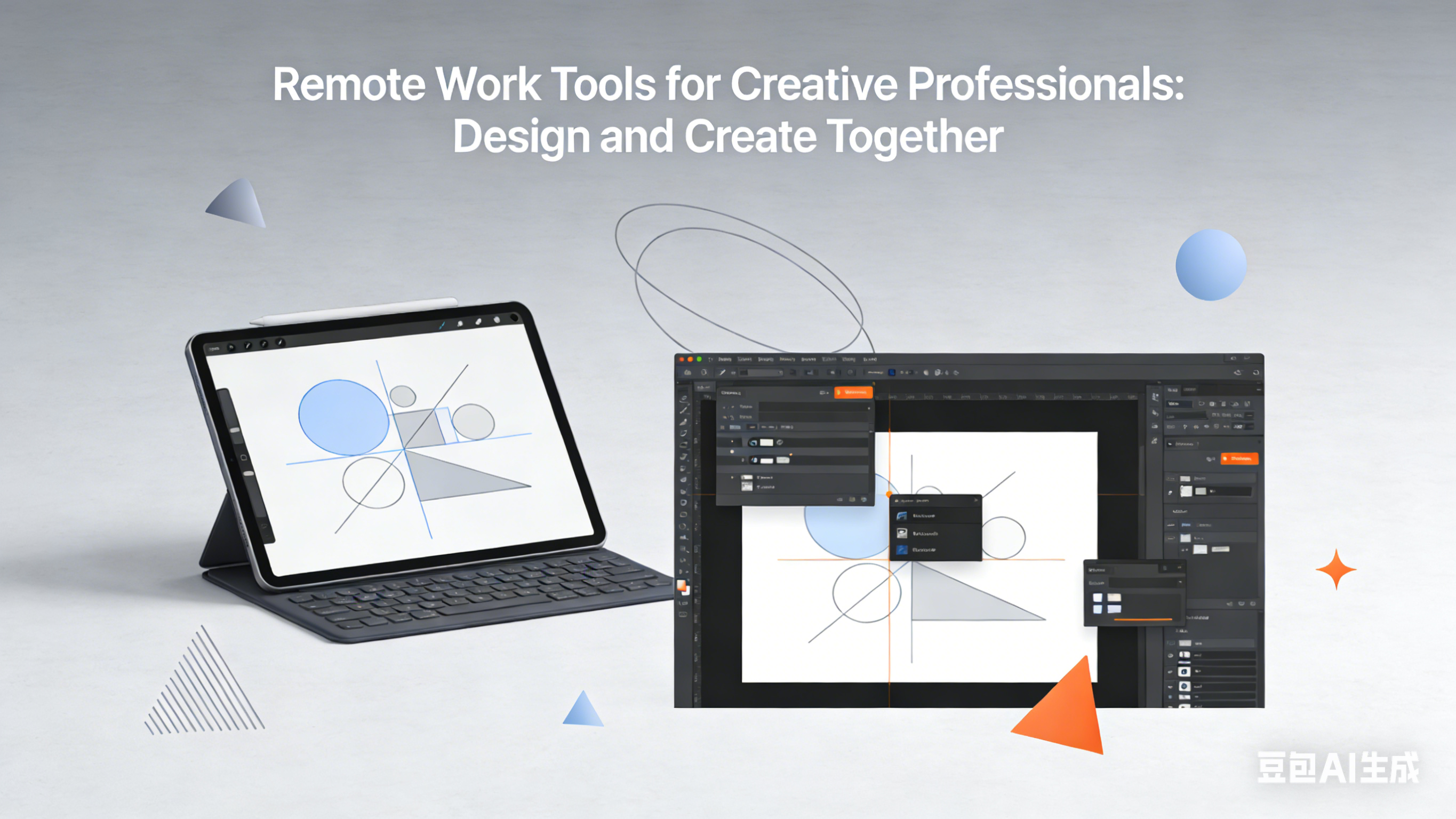
Remote Work Tools for Creative Professionals: Design and Create Together
As a freelance graphic designer who works with clients and collaborators across the globe, I’ve experienced the unique challenges of creative work in a remote environment. From sharing design files to getting feedback to maintaining creative momentum, remote creative work requires a different set of tools than traditional in-office collaboration.
Over the past five years, I’ve built a tech stack that allows me to collaborate seamlessly with clients and other creatives—no matter where they are in the world. These tools have not only made my workflow more efficient but have also helped me produce better work.
Design Collaboration Tools: Create Together in Real-Time
Figma: Collaborative Design Platform
Figma is the gold standard for remote design collaboration. It allows multiple designers to work on the same file simultaneously, share designs with clients for feedback, and even prototype interactive designs.
I use Figma for everything from logo design to website wireframes to mobile app interfaces. The platform’s real-time collaboration features mean I can work with clients and other designers in the same file—seeing their changes as they happen and getting instant feedback.
Adobe Creative Cloud: Professional Design Suite
Adobe Creative Cloud remains essential for professional designers. The suite includes Photoshop, Illustrator, InDesign, and more—all of which are industry standards for creative work.
The cloud-based version of Creative Cloud allows me to access my files from anywhere, share designs with collaborators, and even work on the same file with other Adobe users (via Creative Cloud Libraries).
Feedback and Review Tools: Get Constructive Input
Miro: Digital Whiteboard for Brainstorming
Miro is a digital whiteboard that’s perfect for remote brainstorming sessions, design reviews, and even client presentations. I use it to sketch ideas, create mood boards, and collaborate with clients on design concepts.
The platform’s infinite canvas, sticky notes, and drawing tools make it easy to visualize ideas and get everyone’s input—even when we’re not in the same room.
InVision: Prototype and Get Feedback
InVision turns static designs into interactive prototypes and allows clients to leave specific feedback directly on the design. I use it to test user flows, gather feedback on design iterations, and present final concepts to clients.
The platform’s commenting system makes it easy to track feedback, respond to questions, and even mark comments as resolved—ensuring nothing gets lost in the feedback process.
Project Management Tools: Stay Organized
Asana: Creative Project Management
Asana helps me stay organized and on track with multiple creative projects. I use it to create project timelines, assign tasks, set deadlines, and track progress.
The platform’s visual boards and calendars make it easy to see what needs to be done and when, and the integration with other tools like Slack and Google Drive means all my project information is in one place.
Monday.com: Visual Work Management
Monday.com is a visual work management platform that’s perfect for creative teams. I use it to track project progress, manage client approvals, and even create custom workflows for different types of creative projects.
The platform’s customizable dashboards and automation features help me stay organized and reduce manual work—freeing up more time for actual creative work.
File Sharing and Storage Tools: Share Large Files Easily
Google Drive: Cloud Storage
Google Drive is my go-to for storing and sharing design files. It offers plenty of storage space, allows for easy collaboration on documents, and integrates with most of the other tools I use.
I use Drive to share design assets, reference materials, and even final deliverables with clients and collaborators.
WeTransfer: Send Large Files
For sending large design files that are too big for email, WeTransfer is perfect. It allows me to send files up to 2GB for free, and it doesn’t require the recipient to create an account—they simply click a link to download the files.
I use WeTransfer for sending high-resolution design files, video edits, and other large creative assets to clients.
Communication Tools: Stay Connected with Clients and Collaborators
Slack: Team Communication
Slack is my primary communication tool for staying connected with clients and collaborators. I use it to share design updates, discuss project details, and even get quick feedback on design concepts.
The platform’s integration with other tools like Figma and Asana means I get notifications about project updates directly in Slack—keeping me informed without having to check multiple apps.
Zoom: Video Calls and Presentations
Zoom is essential for remote design presentations and client meetings. I use it to walk clients through design concepts, get real-time feedback, and even conduct design critiques with other creatives.
The platform’s screen sharing and recording features make it easy to present designs and document client feedback for future reference.
Time Tracking and Invoicing Tools: Run Your Business
Toggl Track: Time Management
Toggl Track helps me track how much time I spend on different creative projects. I use it to ensure I’m billing clients accurately, identify which types of projects are most profitable, and even improve my workflow by identifying time-wasting activities.
The platform’s simple interface and reporting features make time tracking painless—even for creative professionals who hate administrative tasks.
FreshBooks: Invoicing and Accounting
FreshBooks is my go-to for invoicing clients, tracking expenses, and managing my business finances. It includes features like automatic invoicing, expense tracking, and even time tracking integration.
The platform’s professional-looking invoices and easy payment options make it easy to get paid on time—ensuring my creative business stays financially healthy.
Thriving as a Remote Creative Professional
Remote creative work offers incredible freedom and flexibility, but it also requires the right tools to collaborate effectively and produce high-quality work. These tools have helped me build a successful remote creative business that allows me to work with clients from around the world.
Last month, I collaborated with a client in Tokyo on a branding project—sharing design concepts, getting feedback, and finalizing the design entirely remotely. The project was a huge success, and the client was thrilled with the results.
Whether you’re a designer, writer, artist, or other creative professional, these tools will help you build a remote workflow that works for you. Remember, the best tool is the one that fits your specific creative process and client needs—so experiment, find what works, and keep creating amazing things.
With the right tools and mindset, remote creative work can be just as collaborative and fulfilling as traditional in-office work. So embrace the technology, stay connected with your clients and collaborators, and keep pushing the boundaries of your creativity.
About this guide
We publish practical, experience-led tutorials and tool guides for remote teams.
- Published: January 18, 2026
- Author: Taylor Reed
- Category: Design
- Estimated reading time: 10 min read
Our editorial standards and monetization disclosures:
Spotted an issue or have a suggestion? Email [email protected].
How we put this guide together
- We review official documentation and product pages for key claims.
- We focus on practical workflows (setup steps, everyday usage, trade-offs).
- We aim to keep guides current as tools change.
References
Official documentation and reputable resources related to this guide.
- Asana Guidehttps://asana.com/guide
- Asana Academyhttps://academy.asana.com/
- Google Workspacehttps://workspace.google.com/
- Slackhttps://slack.com/
- Zoom Meetingshttps://zoom.us/meetings
Related Remote Work Tools Guides
View our complete Sitemap for all remote work tools guides.