Remote Work Tools for Education: Teach and Learn Online
Remote education requires specialized tools. Explore apps and platforms designed to create engaging virtual learning environments for teachers and students.
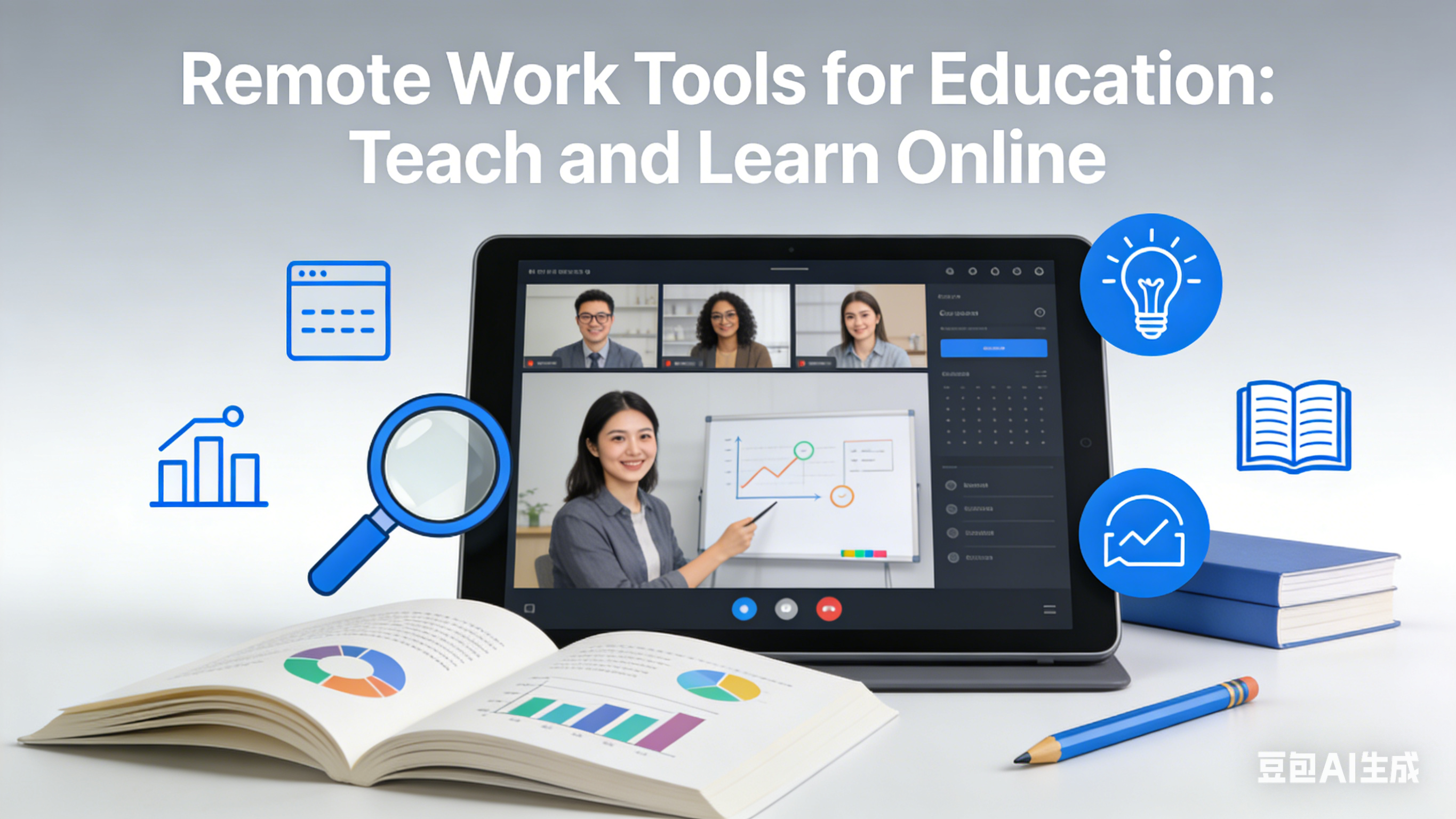
Remote Work Tools for Education: Teach and Learn Online
As a high school English teacher who transitioned to remote teaching during the pandemic, I’ve experienced firsthand the challenges of creating engaging virtual classrooms. From managing Zoom fatigue to ensuring all students participate, remote education requires a different set of tools than traditional in-person teaching.
Over the past two years, I’ve built a tech stack that transforms my virtual classroom from a passive video call into an interactive learning environment. These tools have not only made my job easier but have also helped my students stay engaged and motivated.
Virtual Classroom Tools: Create Interactive Learning Spaces
Nearpod: Interactive Lessons That Engage Students
Nearpod allows me to create interactive lessons with polls, quizzes, and drawing activities that students complete in real-time. I can see their responses instantly, gauge their understanding, and adjust my teaching on the fly. Last semester, my students’ participation rates increased by 40% after I started using Nearpod.
Padlet: Collaborative Digital Wall
Padlet is a digital bulletin board where students can post responses, share resources, and collaborate on projects. I use it for brainstorming sessions, peer feedback, and even virtual book clubs. The visual interface makes it easy for students to see and respond to each other’s ideas—creating a sense of community in the virtual classroom.
Communication Tools: Stay Connected with Students and Parents
Remind: Simplified Parent-Teacher Communication
Remind allows me to send messages, assignments, and updates to students and parents via text or email—without sharing my personal contact information. I use it to remind students of upcoming deadlines, share resources, and communicate with parents about their child’s progress.
Flipgrid: Video-Based Discussions
Flipgrid turns traditional discussions into video conversations. I post a prompt, and students respond with short video clips. They can also comment on each other’s videos, creating a more personal and engaging discussion than text-based forums. My shy students particularly love Flipgrid—it gives them a voice without the pressure of speaking up in a live class.
Assessment Tools: Evaluate Student Progress
Google Forms: Interactive Quizzes and Surveys
Google Forms is my go-to for quick assessments and exit tickets. I can create quizzes with multiple-choice, short-answer, and even file-upload questions. The auto-grading feature saves me hours of grading time, and the response summaries help me identify areas where my students need extra support.
Kami: Digital Annotation for Assignments
Kami allows me to annotate student work directly on my computer. I can highlight text, add comments, and grade papers without printing a single page. Students can also use Kami to annotate readings and share their thinking with me—creating a more interactive learning experience.
Organization Tools: Manage Your Virtual Classroom
Google Classroom: Central Hub for Course Materials
Google Classroom is the backbone of my remote teaching setup. I use it to post assignments, share resources, collect student work, and provide feedback. The calendar feature helps students stay organized, and the integration with Google Drive makes it easy to share and collaborate on documents.
Trello: Track Student Progress
I use Trello to track each student’s progress on major projects. Each student has their own card, and I move it through different columns ("Not Started," "In Progress," "Needs Revision," "Complete") as they work. This visual system helps me identify students who need extra support and ensures no one falls through the cracks.
Engagement Tools: Keep Students Motivated
Classcraft: Gamify Your Classroom
Classcraft turns learning into a game. Students earn points, level up, and unlock powers for positive behaviors like participating in class, turning in assignments on time, and helping their peers. My students love the friendly competition, and it’s dramatically reduced late assignments and disruptive behavior.
Mentimeter: Interactive Polls and Quizzes
Mentimeter creates live, interactive polls and quizzes that students can answer from their phones or computers. I use it for icebreakers, review sessions, and even mid-lesson checks for understanding. The real-time results keep students engaged and help me adjust my teaching based on their feedback.
Professional Development Tools: Grow as an Educator
Edmodo: Connect with Other Teachers
Edmodo is a social network for educators. I use it to connect with other remote teachers, share lesson plans, and get advice on common challenges. The community has been invaluable for finding new teaching strategies and staying motivated.
Coursera: Continue Your Education
Coursera offers online courses on remote teaching best practices, educational technology, and more. I’ve taken several courses on online assessment and student engagement that have transformed my virtual classroom.
Thriving in the Virtual Classroom
Remote teaching has its challenges, but it also offers unique opportunities to create personalized, engaging learning experiences. These tools have helped me build a virtual classroom where every student feels seen, heard, and supported.
Last month, a former student emailed me to say that my remote class was the most engaging and supportive learning environment she’d experienced. That’s the power of using the right tools to create meaningful remote education.
Whether you’re a seasoned remote educator or just starting out, these tools will help you build a virtual classroom that fosters connection, collaboration, and academic success. Remember, the best tool is the one that meets your students’ needs—so experiment, adapt, and keep learning alongside your students.
About this guide
We publish practical, experience-led tutorials and tool guides for remote teams.
- Published: January 22, 2026
- Author: Casey Patel
- Category: Communication
- Estimated reading time: 11 min read
Our editorial standards and monetization disclosures:
Spotted an issue or have a suggestion? Email [email protected].
How we put this guide together
- We review official documentation and product pages for key claims.
- We focus on practical workflows (setup steps, everyday usage, trade-offs).
- We aim to keep guides current as tools change.
References
Official documentation and reputable resources related to this guide.
- Google Classroomhttps://edu.google.com/products/classroom/
- Microsoft Teams for Educationhttps://www.microsoft.com/en-us/education/products/teams
- Zoom for Educationhttps://explore.zoom.us/en/education/
- Slackhttps://slack.com/
- Microsoft Teamshttps://www.microsoft.com/en-us/microsoft-teams/group-chat-software
- Zoom Meetingshttps://zoom.us/meetings
Related Remote Work Tools Guides
Best Remote Work Tools for Communication: Stay Connected Anywhere
Best Remote Work Tools for Async Communication: Work Across Time Zones
Remote Work Tools for Healthcare Professionals: Telemedicine Solutions
View our complete Sitemap for all remote work tools guides.