Remote Work Tools for Healthcare Professionals: Telemedicine Solutions
Healthcare professionals need specialized remote work tools. Explore telemedicine platforms, secure communication systems, and collaboration tools designed for medical settings.
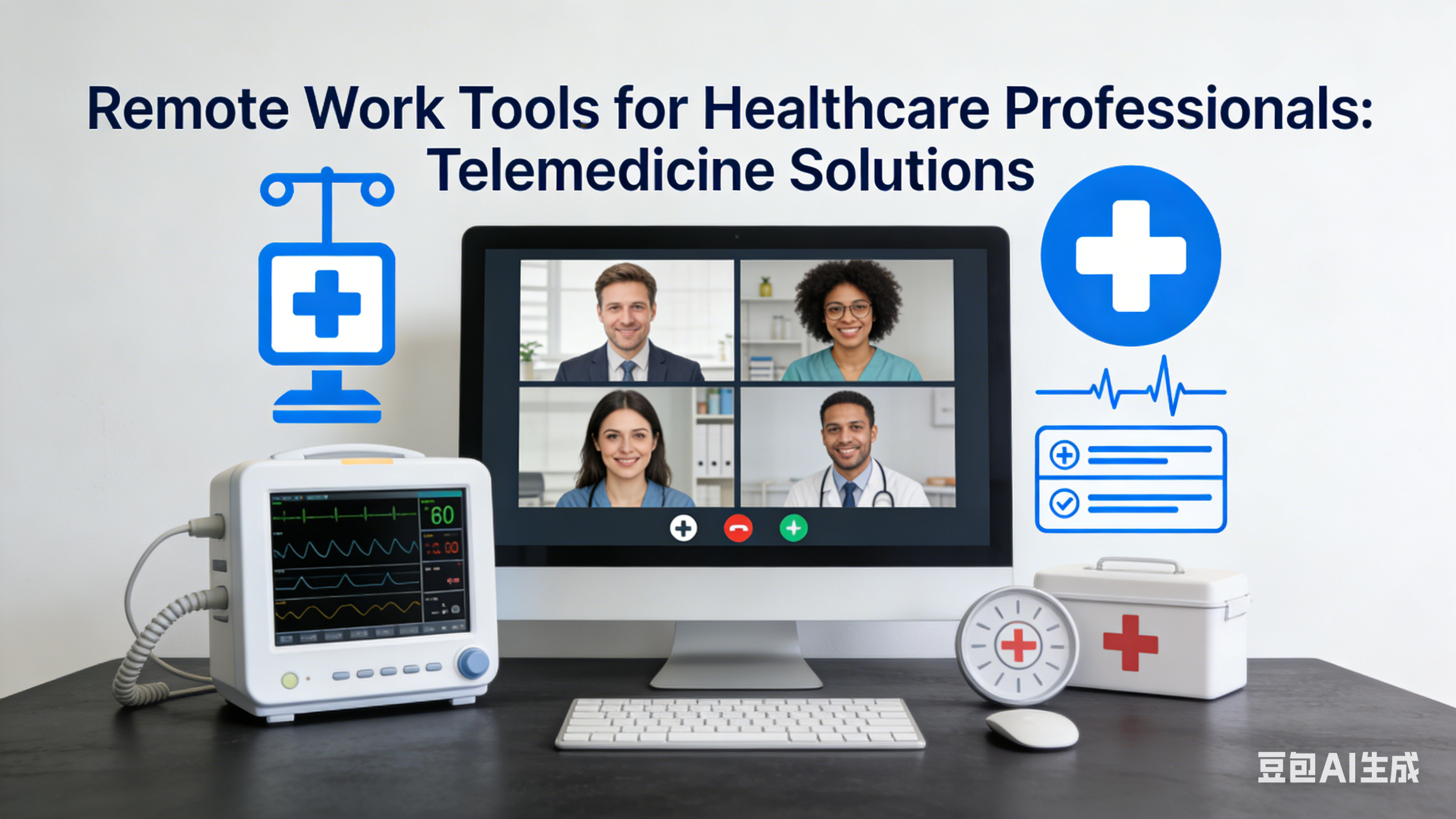
Remote Work Tools for Healthcare Professionals: Telemedicine Solutions
As a family physician who transitioned to a hybrid model of in-person and virtual care, I’ve seen firsthand how remote work tools can transform healthcare delivery. From conducting virtual appointments to collaborating with specialists across the country, these tools have not only made my job more efficient but have also expanded access to care for my patients.
The healthcare industry has unique requirements for remote work: security, compliance with HIPAA regulations, and the need to share sensitive patient information safely. These tools meet those requirements while enhancing the quality of care I can provide.
Telemedicine Platforms: Conduct Virtual Appointments
Zoom for Healthcare: HIPAA-Compliant Video Calls
Zoom for Healthcare is specifically designed for medical professionals. It’s HIPAA-compliant, encrypted, and includes features like waiting rooms, screen sharing (for sharing test results), and recording capabilities (with patient consent). I use it for routine check-ups, follow-up appointments, and even mental health consultations.
Doxy.me: Simple, Secure Telemedicine
Doxy.me is a lightweight telemedicine platform that requires no downloads for patients. They simply click a link to join the virtual waiting room. It’s HIPAA-compliant, includes a virtual whiteboard for explaining medical conditions, and integrates with most electronic health record (EHR) systems.
Secure Communication Tools: Share Patient Information Safely
TigerConnect: HIPAA-Compliant Messaging
TigerConnect is a secure messaging platform designed for healthcare teams. It allows me to communicate with nurses, specialists, and other providers about patient care—without risking a HIPAA violation. The app includes features like read receipts, message prioritization, and the ability to share images and documents securely.
DocuSign: Electronic Signatures for Medical Forms
DocuSign allows patients to sign consent forms, intake questionnaires, and other medical documents electronically. This eliminates the need for in-person signatures and streamlines the appointment process. The platform is HIPAA-compliant and keeps a secure record of all signed documents.
EHR Integration Tools: Access Patient Records Anywhere
Epic: Cloud-Based Electronic Health Records
Epic’s cloud-based EHR system allows me to access patient records from anywhere—whether I’m working from home, a satellite clinic, or even on vacation. The platform includes features like medication management, appointment scheduling, and clinical decision support tools.
Cerner: Mobile EHR Access
Cerner’s mobile app gives me secure access to patient records, lab results, and imaging studies from my smartphone or tablet. I can review patient information before virtual appointments, update records in real-time, and even prescribe medications remotely.
Collaboration Tools: Work with Your Healthcare Team
Microsoft Teams for Healthcare: Secure Team Collaboration
Microsoft Teams for Healthcare is a HIPAA-compliant version of the popular collaboration platform. I use it to hold team meetings, consult with specialists, and share patient cases with my care team. The platform integrates with EHR systems and includes secure file sharing capabilities.
Updox: Patient Communication and Engagement
Updox is an all-in-one platform for patient communication. It includes secure messaging, appointment reminders, prescription refills, and even patient portal capabilities. I use it to send follow-up instructions, share test results, and keep patients engaged in their care between appointments.
Documentation Tools: Streamline Your Workflow
Dragon Medical One: Voice Recognition Software
Dragon Medical One is voice recognition software specifically designed for healthcare professionals. It allows me to dictate patient notes, prescriptions, and other documentation—saving me hours of typing each week. The software is trained on medical terminology, so it accurately transcribes even complex medical terms.
MediTouch: Practice Management Software
MediTouch is a comprehensive practice management system that handles scheduling, billing, and insurance claims. The cloud-based platform allows me to manage my practice from anywhere, and it integrates seamlessly with most EHR systems.
Patient Education Tools: Empower Your Patients
Khan Academy Medicine: Educational Resources
Khan Academy Medicine offers free, high-quality educational videos on a wide range of medical topics. I often share links to these videos with patients to help them understand their conditions, treatments, and preventive care measures.
Osmosis: Visual Medical Education
Osmosis creates engaging, visual educational content for patients. Their videos and articles explain complex medical concepts in simple, easy-to-understand language. I use their resources to supplement my explanations during appointments.
Thriving in Remote Healthcare
Remote work has transformed healthcare delivery, making care more accessible to patients in rural areas, those with mobility issues, and busy professionals. These tools have helped me provide high-quality care while maintaining a better work-life balance.
Last month, a patient told me that virtual appointments have allowed her to continue receiving care while undergoing chemotherapy—something that would have been difficult with in-person visits. That’s the power of remote healthcare done right: using technology to put patients first.
Whether you’re a primary care physician, specialist, nurse practitioner, or other healthcare professional, these tools will help you build a remote practice that delivers exceptional patient care. Remember, the best tool is the one that meets your patients’ needs—so experiment, find what works for your practice, and continue to adapt as technology evolves.
About this guide
We publish practical, experience-led tutorials and tool guides for remote teams.
- Published: January 21, 2026
- Author: Riley Chen
- Category: Communication
- Estimated reading time: 10 min read
Our editorial standards and monetization disclosures:
Spotted an issue or have a suggestion? Email [email protected].
How we put this guide together
- We review official documentation and product pages for key claims.
- We focus on practical workflows (setup steps, everyday usage, trade-offs).
- We aim to keep guides current as tools change.
References
Official documentation and reputable resources related to this guide.
- HHS Telehealthhttps://telehealth.hhs.gov/
- HIPAA — HHS Summaryhttps://www.hhs.gov/hipaa/for-professionals/privacy/index.html
- NIST — Health IT (Overview)https://www.nist.gov/healthcare
- Slackhttps://slack.com/
- Microsoft Teamshttps://www.microsoft.com/en-us/microsoft-teams/group-chat-software
- Zoom Meetingshttps://zoom.us/meetings
Related Remote Work Tools Guides
View our complete Sitemap for all remote work tools guides.